
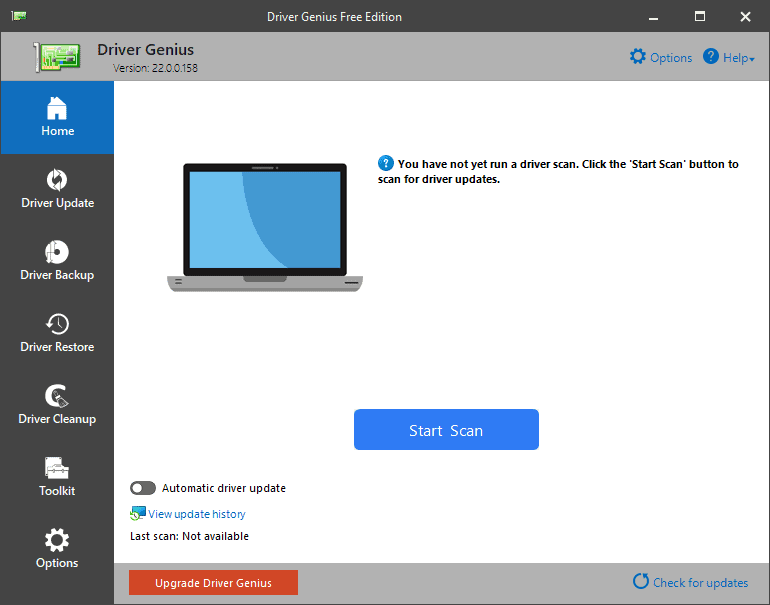
Driver Genius is software for scanning the PC system to find out the driver’s issues. It usually makes the PC performance better with strong driver managers. It is also used for updating the PC drivers by itself with just a few taps of the mouse.
Table of Contents
Features
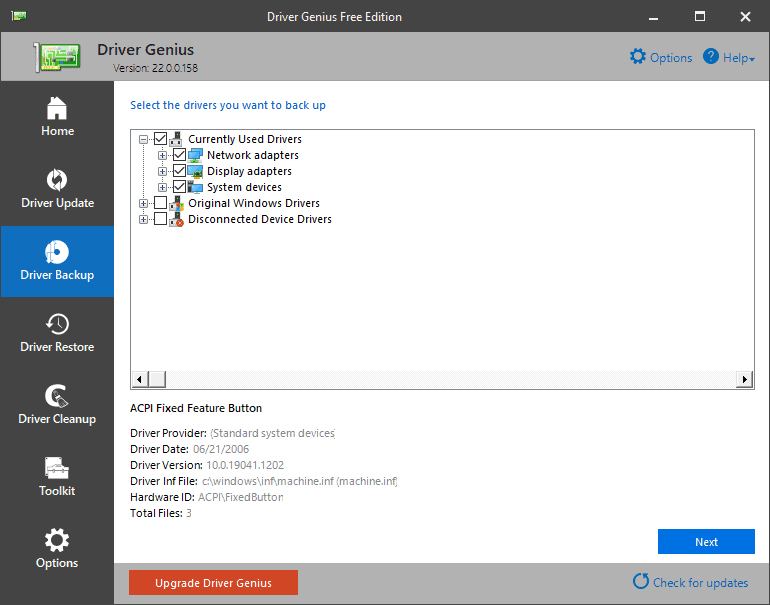
Backup
This program searches for the drivers installed & instantly backs up those automatically. It is also able to compress the drivers.
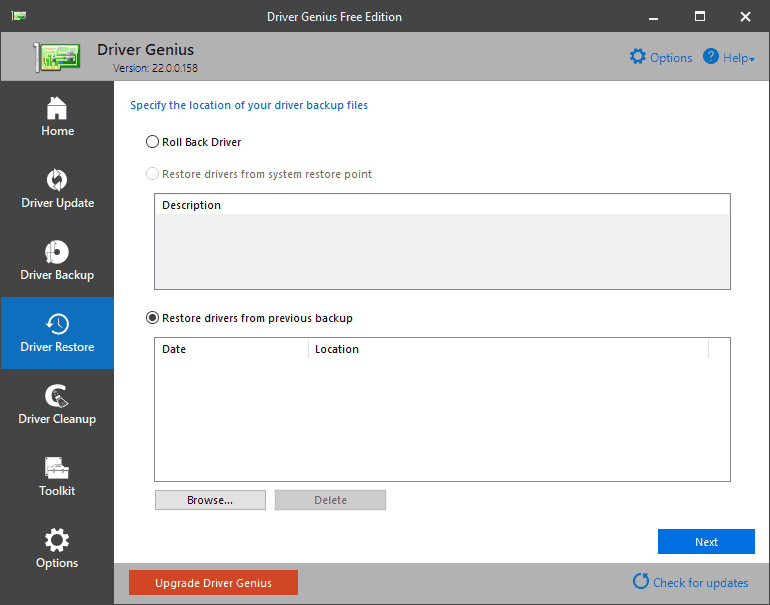
Restoring
If you have this program on your computer then you don’t have to install drivers accordingly after you have reinstalled the operating system. With just one press all the drivers will be restored.
Live Update
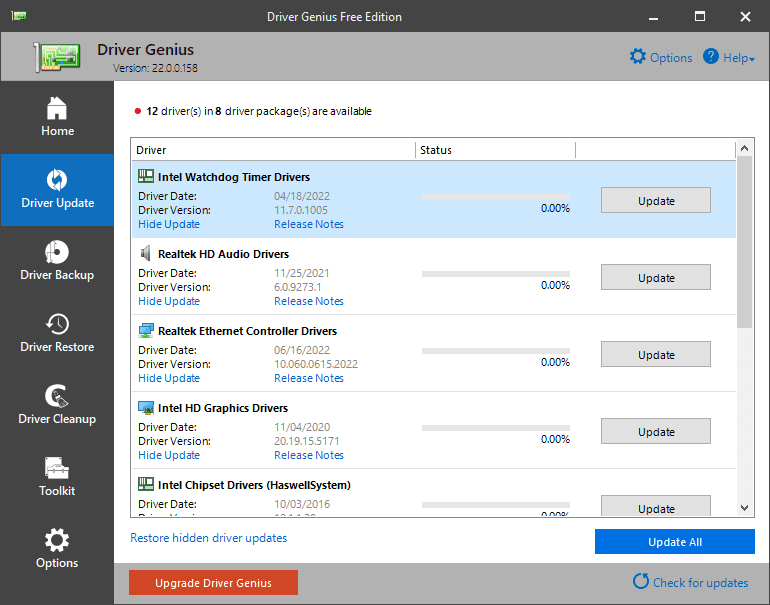
It uses the live Update tool to synchronize the local database software of driver genius. It is able to automatically update the drivers.
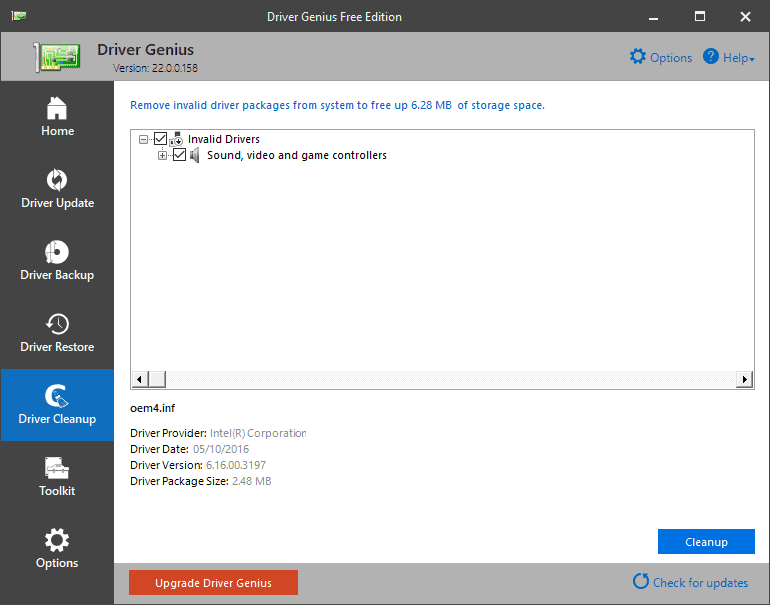
Clean Up
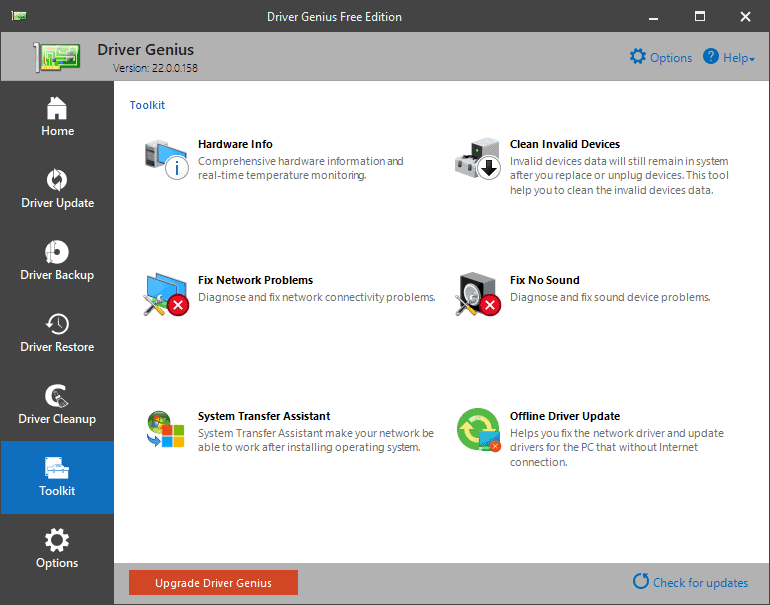
If there are any drivers left in the system for switching the hardware or upgrading drivers then this program will clean up the unnecessary drivers.
Hardware information
This program is able to show the users explained info about the hardware of the PC like the motherboard or CPU.
Quick Scanning
The actual job of this tool is scanning the device to get the drivers which are not updated yet. The tool does this job very quickly & perfectly.
System Requirements for Driver Genius
- Operating System: Windows 7, Windows 8, Windows 8.1, Windows 10.
- CPU: Pentium or better.
- RAM: At Least 64 MB of RAM is required & more will be better.
- Hard Disc Space: 10 MB of free hard disc space is needed.
FAQ’s about Driver Genius
Is the Driver Genius safe?
Yeah, this program is totally safe for updating the drivers on your PC. It won’t harm your computer.
How can I remove driver genius from my PC?
First, you have to go to the installation folder of this program. Then you have to double-tap the folder u0026amp; the uninstallation procedure will be begun.
Is Driver Genius free?
Yes, this software has a free version. You can use it for completely free. But, if you wish to get all the facilities then you must purchase them.
What does driver genius do?
This program is for updating or fixing the drivers of a Computer. It also backups up, restores u0026amp; cleans up the PC as well.
Our Take on it
We have used this program on our computer and we can surely say that Driver Genius is a great tool. Other than updating drivers it also does some jobs by which the PC remains safe & clean. This tool is lightweight so it won’t fill up much space in the PC. It has some great features. This tool even monitors the temperature of the PC & takes action automatically. So, this tool is highly recommended to download. You can download & install this program without any worry.
Screenshots

 FoneTool Unlocker
 7-Zip
 HWmonitor
 AMD Ryzen Master
 Extreme Injector
 Bandicam Screen Recorder