
Are you looking for an all-rounder app to manage all of your contacts for daily communication? Well, Skype can be the one for you then!
Table of Contents
It is probably one of the most beloved and oldest messaging and video-calling apps out there. Many officials and professionals use this application for daily video-calling and conferencing.
Features
While Skype is not heavy on features, there are still many nifty characteristics of this communication software. Here are some of the features-
Chats & Emojis
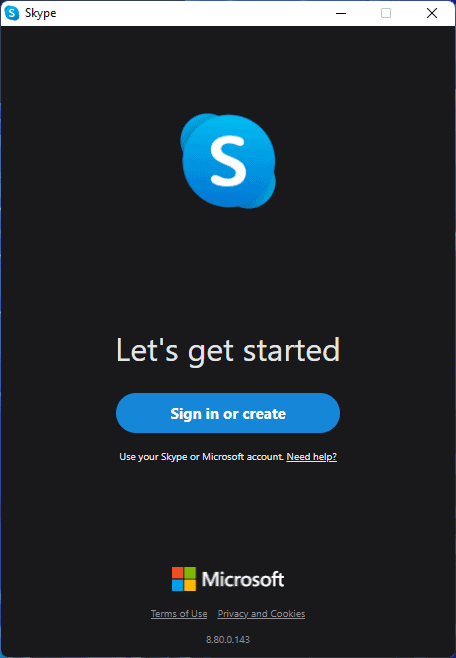
All messenger applications have the same-old chat feature, so what’s the big deal? Well, yes, the features of online chats are quite simple. You can send and receive texts from anywhere. Also, you can send emojis and GIFs from the app.
Call
Whether it’s video or audio calls, Skype can handle them without an issue. No lag or stutter in video calls. Only clear audio and visual experience.
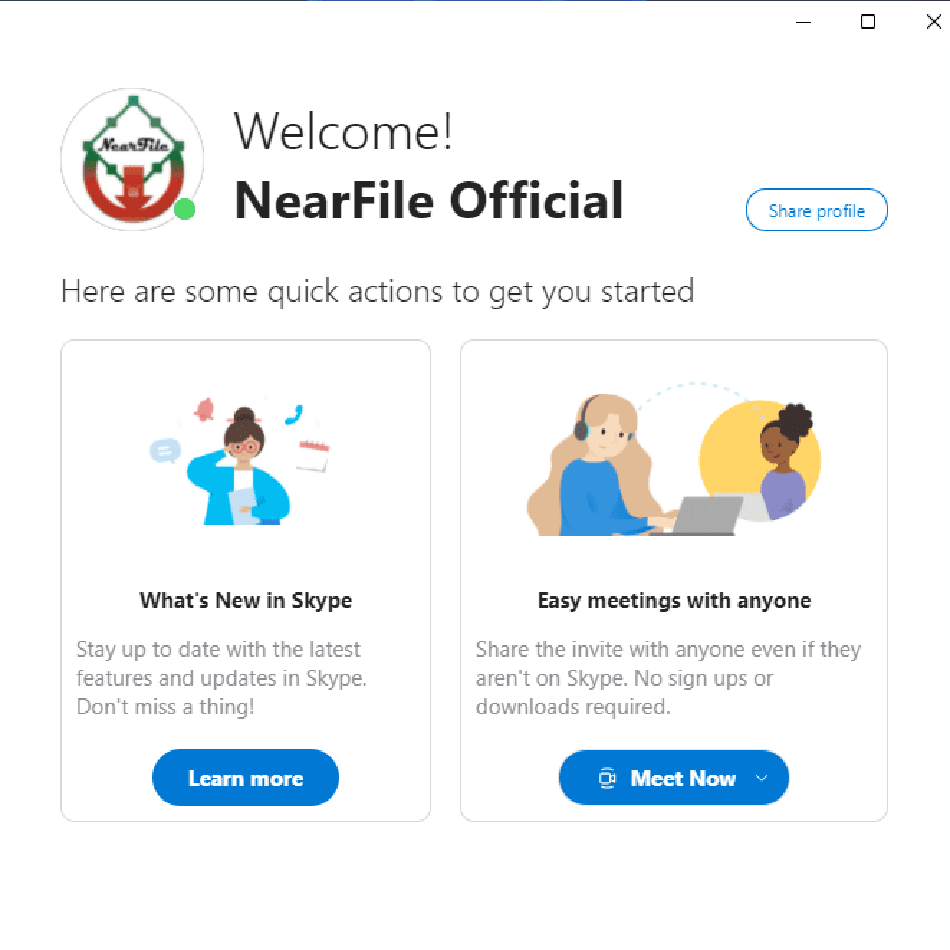
Apart from this, the most highlighting feature of Skype is that you can make direct VOIP calls. If you have a balance on your Skype account, then you can make direct calls to someone on your contact.
Screen Share
With crystal clear calls, you can also get the ability to share your screen with your contacts. This feature can come in handy when you want to watch something together. Or when you want to do a certain task but don’t know how to do it. By sharing the screen, you can do that task easily with someone skilled.
Compatibility
The most exciting thing about Skype is it is available in every imaginable. Windows, Mac, Linux, Android, and iOS are just your regular operating systems that have Skype support. Even Xbox and Alexa systems have full support for Skype. So, you’re not missing out on anything!
Most FAQ’s about Skype
Do I Have to Pay for Skype?
No, it does not require any kind of payment to download. However, the latest version of Skype has introduced a credit system where you can use your USD for international roaming.
How Can I download it on My PC?
You can download the program by hovering through the download button on the page. Wait for the redirected page to load and then click on the button again. Your download should start automatically.
What is Required for Skype on a Computer?
There are no requirements for Skype needed. Any Windows, Mac, or Linux device can easily download the application without any trouble. Even mobile operating systems also support the application.
Is it Easy for the Elderly?
Compared to other video or voice-calling applications, this application is very easy, even for elderlies. The app shows the chat, call, and contact list on the homepage. So, no possibility of making any mistakes.
Conclusion
So, should you download Skype on your PC? Well, that depends on your usage. If you already use any alternative app similar to Skype, then there are very few reasons to shift. However, if you’re looking for good all-in-one communication software, you can definitely try out Skype!
Screenshots


 Zoom Cloud Meetings
 Telegram
 Discord
 IMVU
 TeamSpeak Client
 Curse voice