
Simple Sticky Notes is a computer program that allows users to create and organize virtual notes on their desktops. These notes can contain text, images, and other types of media, and can be organized and grouped according to the user’s preferences.
Table of Contents
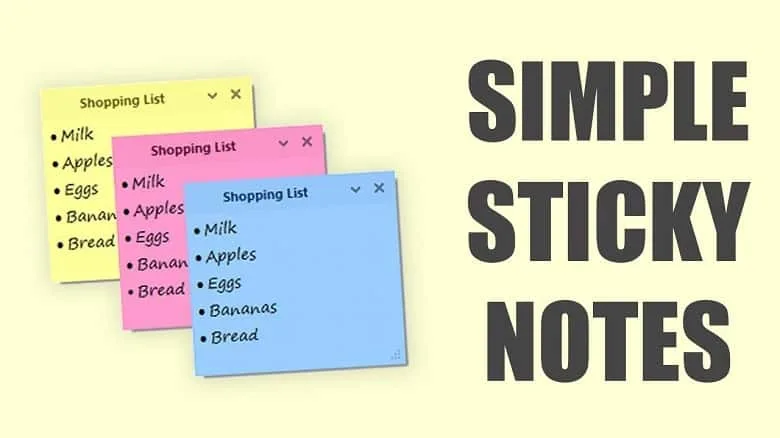
Just imagine your physical sticky notes but on a larger desktop screen! The application is commonly used as a reminder tool and for quickly jotting down ideas or tasks but you can use it for anything!
Features of Simple Sticky Notes
Effective Reminder & Notes
Well, for better or worse, we human beings are very forgetful when it comes to our daily chores and stuff. Even in some cases, we forget about many important things as well. To organize those particular aspects, a simple yet engaging application like Simple Sticky Notes can definitely help a lot.
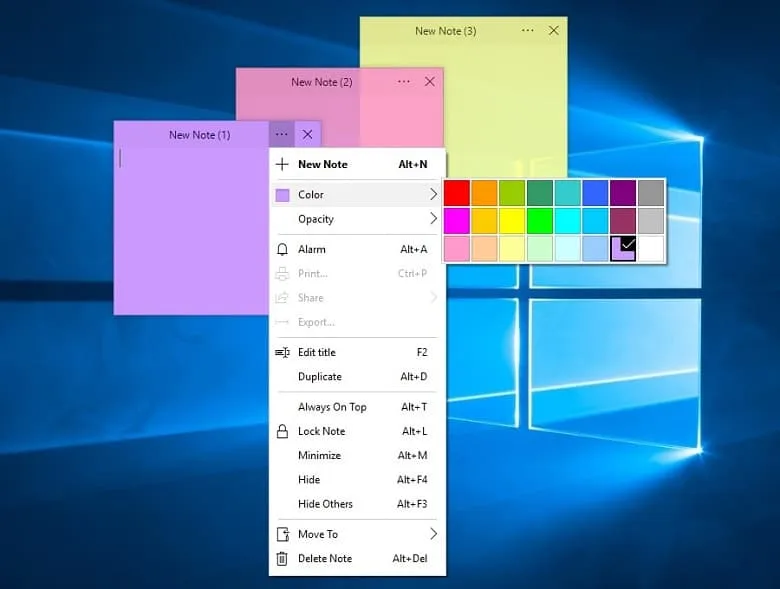
You can take notes, make checkboxes, and even set reminders so that you don’t miss out on the things that you should do! The most incredible thing about the application is that it won’t even take a toll on your PC because of its lightweight design!
Themes & Sounds
While the application does not offer many customization options, you can download different themed plugins and sound effects for the software. There are a total of 6 different themes Pyramids, Equalizers, Canvas, Smooth Concrete, Marble, and Desert.
The sounds section includes tonnes of iPhone, Windows 10 bell, Power Up, Coins, Secret Jam, and Samsung Whistle.
Simple & Refined
The most appealing feature of this application is that it’s very minimalistic and simple. It does not try to be anything other than your regular sticky notes. Just open the application, check your notes, and leave. No unnecessary motion or wasted time.
System Requirements
To use a simple application like Simple Sticky Notes, you won’t really need any hardcore desktop setup. Still, here are a few basic requirements that you’ll need to fulfill to get a decent experience-
- Windows System: Windows 10 / 8.1 / 8 / 7
- CPU: 1.5 GHz Intel or AMD processor
- RAM: 2 GB of RAM
FAQs About Simple Sticky Notes
Is it free?
Yes, the incredible Simple Sticky Notes is free to download and use on most Windows devices. You can take quick and efficient notes with the application in an interactive way.
Is simple Sticky Notes safe?
Yes, Simple Sticky Notes does not have any viruses or cyber threats. Even the Windows defender causes no alterations or modifications to the application. The software is 100% secure to use at any time.
How do I download sticky notes to my desktop?
To download Simple Sticky Notes, click on the download button and wait for the page to load. Confirm your download and your download should be automatically started.
Conclusion
So, in all essence, Simple Sticky Notes is a useful tool for quickly jotting down ideas, tasks, or reminders. Its ease of use and visual organization capabilities make it a great option for personal use.
However, those who are looking for more advanced features, such as collaboration and syncing across multiple devices, may want to consider other note-taking software. If you’re looking for a simple yet effective tool to organize your thoughts and tasks, you can get this software in a heartbeat!
 SwifDoo PDF
 Xero Accounting
 QuickBooks Desktop
 Sage Intacct
 Bamboo Paper
 Foxit Advanced PDF Editor